Building a 2D and 3D Video Production Pipeline with Free Software
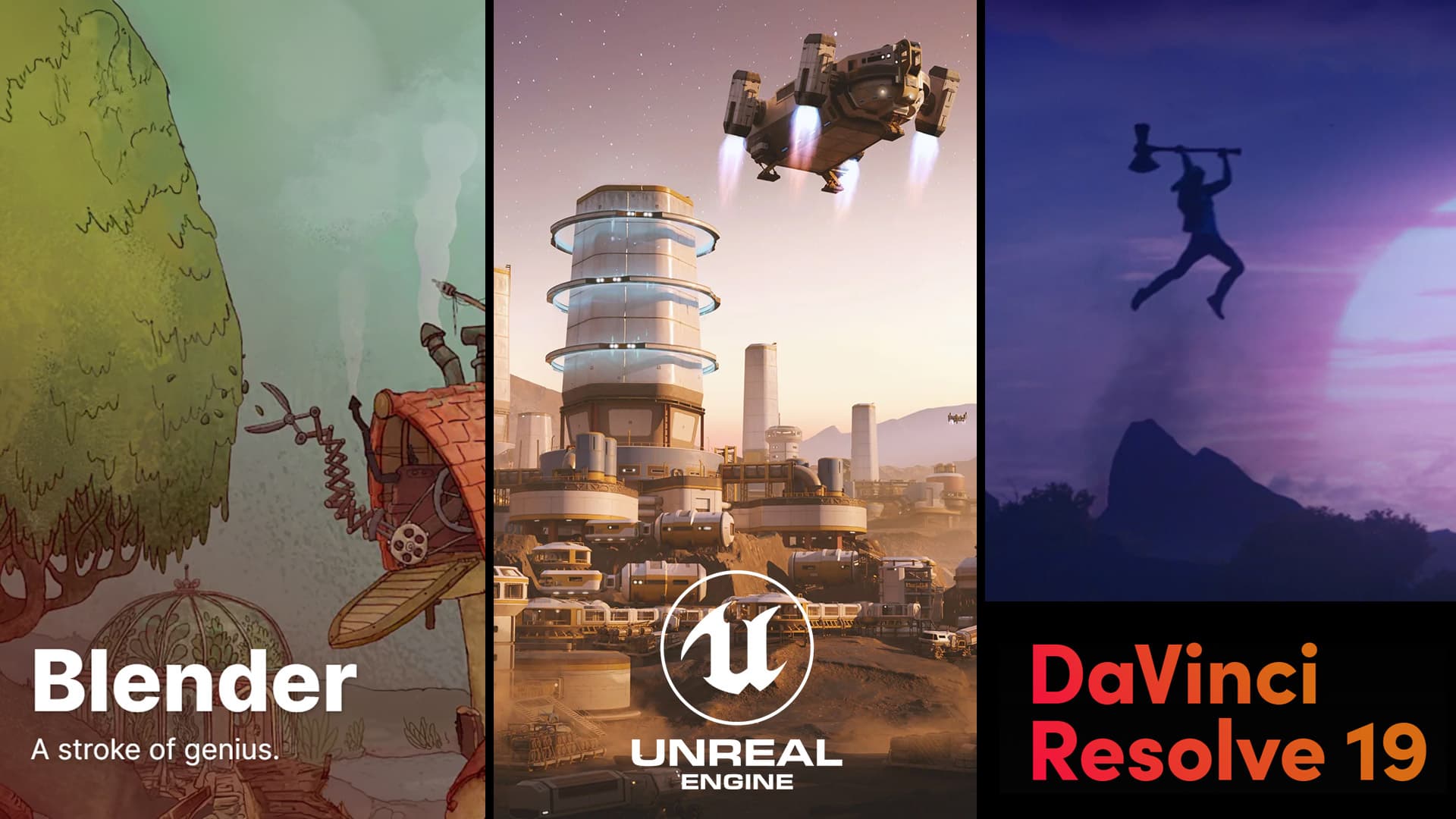
As a freelancer delving into the realms of 2D and 3D video production, I've discovered that it's entirely feasible to construct a professional-grade pipeline using free software. Here's how tools like Blender, Unreal Engine, and DaVinci Resolve can be integrated into your workflow, along with their respective advantages and considerations.
Blender is a versatile open-source 3D creation suite that supports the entire 3D pipeline, including modeling, rigging, animation, simulation, rendering, compositing, and motion tracking.
Pros:
- Comprehensive Toolset: Offers a wide range of features for various aspects of 3D production.
- Active Community: A large user base contributes to continuous improvements and a wealth of tutorials.
- Customizable: Open-source nature allows for extensive customization to fit specific workflow needs.
Cons:
- Steep Learning Curve: The vast array of features can be overwhelming for newcomers.
- Performance Demands: Complex projects may require robust hardware to run smoothly.
Unreal Engine is a powerful real-time 3D creation tool widely used for game development, virtual production, and more.
Pros:
- Real-Time Rendering: Enables immediate visualization of changes, enhancing workflow efficiency.
- High-Quality Outputs: Capable of producing photorealistic visuals suitable for professional projects.
- Blueprint System: Allows for visual scripting, reducing the need for extensive coding knowledge.
Cons:
- Resource Intensive: Demands high-performance hardware, especially for complex scenes.
- Complexity: May be challenging for beginners to grasp due to its extensive feature set.
DaVinci Resolve is a professional video editing and color correction software that also offers visual effects and audio post-production capabilities.
Pros:
- Professional Editing Tools: Provides advanced editing features suitable for high-end video production.
- Color Grading Excellence: Renowned for its superior color correction and grading tools.
- Integrated Workflow: Combines editing, color, effects, and audio post-production in a single application.
Cons:
- Hardware Requirements: Optimal performance requires a powerful system, particularly for 4K editing and complex effects.
- Learning Curve: The depth of features may require time to master fully.
Integrating the Pipeline
A typical workflow might involve:
- Modeling and Animation in Blender: Create and animate 3D models, taking advantage of Blender's comprehensive toolset.
- Scene Assembly and Real-Time Rendering in Unreal Engine: Import assets from Blender into Unreal Engine for scene assembly and leverage real-time rendering capabilities.
- Post-Production in DaVinci Resolve: Edit the rendered footage, apply color grading, and finalize the video.
You can also bypass Unreal and stay in blender for the scenes creation and rendering steps.
This integration allows for a seamless transition between different stages of production, utilizing the strengths of each software.
The Role of NVIDIA RTX Graphics Cards
To efficiently handle the demands of this production pipeline, a robust graphics card is essential. NVIDIA RTX GPUs are designed to accelerate rendering tasks, support real-time ray tracing, and enhance overall performance in applications like Blender and Unreal Engine. Investing in an RTX GPU can significantly improve workflow efficiency and output quality.
Conclusion
By leveraging free software such as Blender, Unreal Engine, and DaVinci Resolve, freelancers can establish a comprehensive 2D and 3D video production pipeline. While each tool has its learning curve and hardware considerations, the integration of these applications provides a powerful framework for creating professional-quality content without the need for expensive software licenses.
Move from reading to producing.
What we experiment with here, we ship for you. AB-Arts designs, trains and supports: three ways of working together, one team under the same roof.
Web, motion, video, image and campaigns. From concept to master, full production under one roof.
AB-Academy trains your teams in AI, workflows and creative tools. On-site or remote.
Audit, consulting, automation. We clear up your digital environment, and build what's missing.
Related articles
← All news
Seedance 2.5: ByteDance's 30-Second Native 4K AI Video
Seedance 2.5 is ByteDance's new AI video model, generating up to 30 seconds of native 4K in a single pass with synced audio and 50 references.

13 Blender Add-ons to Speed Up Your 3D Production
Our pick of 13 Blender add-ons that save serious time in production: modeling, UV, lighting, VFX, environments, with the download links.
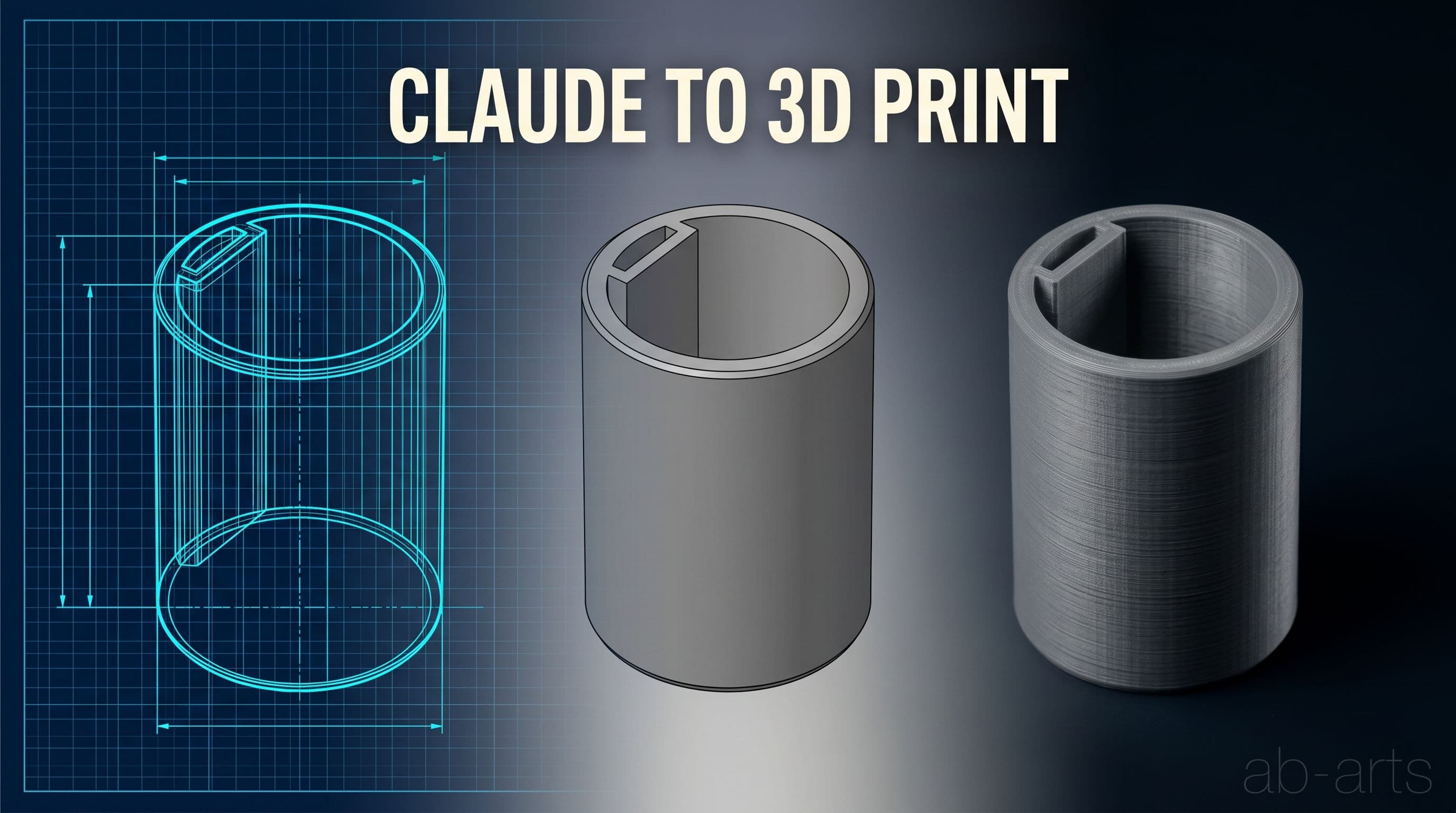
Remaking a Broken Part in 3D with Claude and FreeCAD
A broken, unfindable plastic part remade through 3D printing with Claude and FreeCAD: photos, measurements, a parametric model and EUR 1.71 of PLA.